
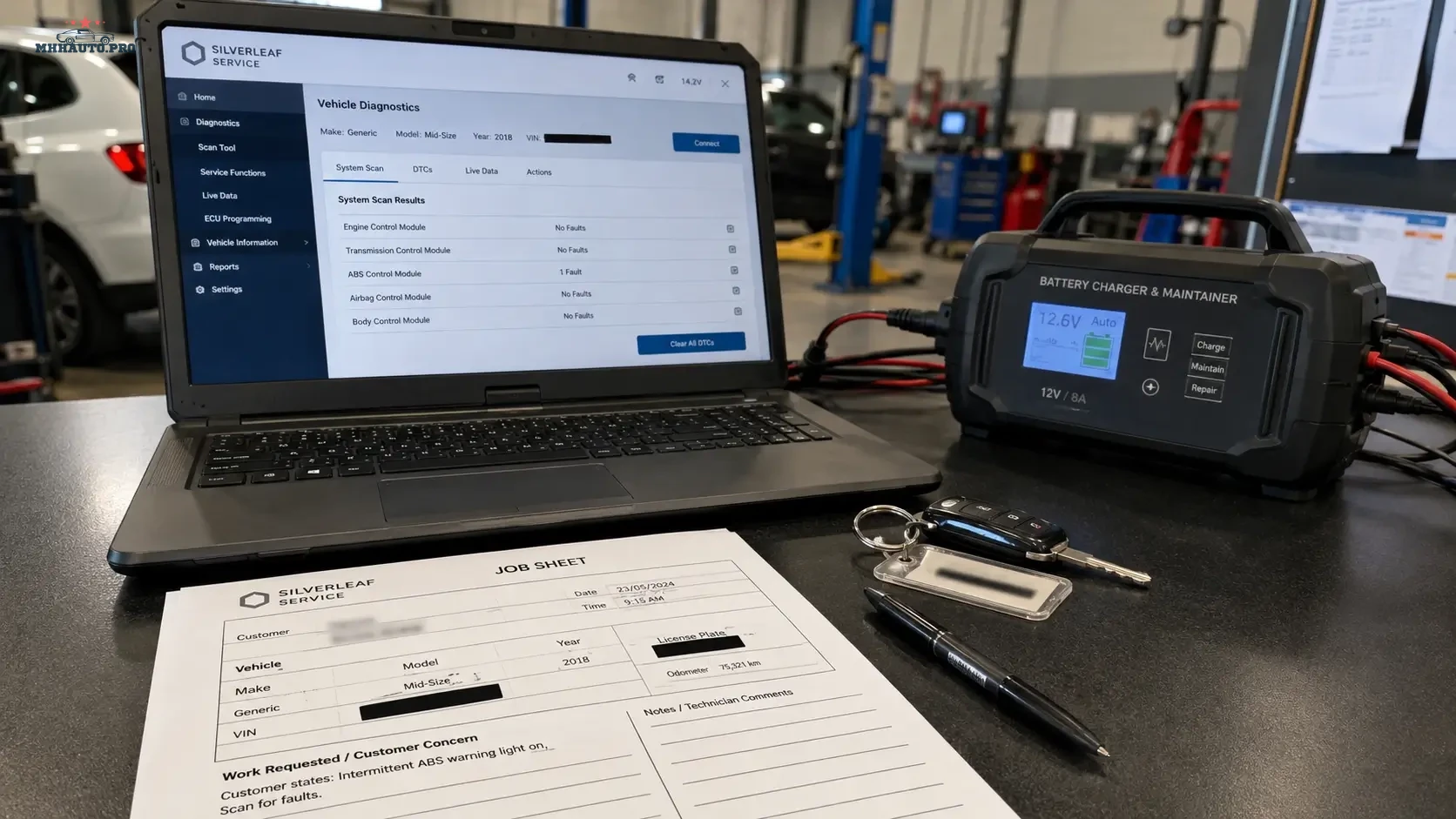
Why secure gateway jobs need documentation
Secure gateway systems changed how workshops handle diagnostics, coding, adaptations, actuator tests and fault clearing on many modern vehicles. A technician may be able to read basic information, but restricted functions can require authorization, correct tool access, customer approval and a documented repair order.
The purpose of a gateway job sheet is not paperwork for its own sake. It protects the customer, the technician and the workshop. It records why access was needed, who approved the work, what was done, which scan reports were saved and what condition the vehicle was in before and after the job.
This article focuses on documentation and professional workflow for SGW and SFD-related jobs. It is not a bypass guide. Always use authorized access, follow local law, respect manufacturer requirements and keep customer data protected.
When a gateway job sheet should be used
Use a dedicated job sheet whenever a diagnostic function is restricted or security-sensitive. Examples include:
- fault clearing blocked by secure gateway;
- coding or adaptations requiring authorization;
- actuator tests behind gateway access;
- module replacement setup;
- service functions requiring online permission;
- calibration procedures linked to protected functions;
- post-repair programming or configuration;
- customer complaint involving blocked diagnostic access.
If the function changes the vehicle state, configuration or module behavior, the job should be documented.
1. Confirm the customer request
Before connecting diagnostic equipment, define the customer’s request in plain language. The job sheet should not say only “diagnostics”. It should describe what the customer wants checked or repaired.
Examples of clear job descriptions:
- “ABS warning light on after wheel speed sensor replacement.”
- “Service function required after brake repair.”
- “ADAS calibration required after windshield replacement.”
- “Module adaptation needed after component replacement.”
- “Fault clearing blocked by secure gateway during post-repair scan.”
A clear request helps the workshop prove that the gateway access was related to a legitimate repair or service task.
2. Identify the vehicle correctly
Secure gateway work should never be performed on a loosely identified vehicle. Record enough information to link the diagnostic session to the job.
Recommended vehicle fields:
- make and model;
- model year;
- VIN or internal reference according to privacy rules;
- mileage;
- registration number if used internally;
- engine code if relevant;
- control unit involved;
- customer or fleet reference;
- repair order number.
If screenshots are used later for reports or blog images, blur VIN, registration, customer name and account information.
3. Get customer approval before restricted functions
Gateway authorization may allow functions that change vehicle data, erase faults, run actuators, perform adaptations or complete service routines. The customer should approve the work before the technician proceeds.
The approval section should include:
- customer name or company reference;
- repair order number;
- requested operation;
- estimated diagnostic or service time;
- possible need for online authorization;
- confirmation that the customer authorizes the workshop to perform the function;
- date and signature or digital approval.
Approval is especially important when the vehicle belongs to a fleet, leasing company, insurance case or third-party repair chain.
4. Save a full pre-scan
The pre-scan is the most important diagnostic record. It shows the vehicle condition before the secure function was performed.
The pre-scan should include:
- full module list;
- all stored DTCs;
- fault status where available;
- mileage and timestamp;
- battery voltage;
- communication errors;
- gateway-related messages;
- tool name and software version.
Do not clear faults before saving the pre-scan. If the customer later questions a warning light or unrelated DTC, the pre-scan is the workshop’s evidence.
5. Record battery support and workshop conditions
Secure gateway jobs often involve longer diagnostic sessions, coding or service functions. Voltage drops can cause communication faults and failed operations. Record the power setup on the job sheet.
Include:
- battery voltage before starting;
- battery support unit used;
- current capacity if relevant;
- laptop power connected;
- VCI connection type;
- ignition state required by the tool;
- any instructions followed from the diagnostic software.
This information helps distinguish a tool, network or voltage problem from a vehicle fault.
6. Document authorization method without exposing credentials
The job sheet should record that authorized access was used, but it should not expose usernames, passwords, tokens, private keys or customer-sensitive information.
Record:
- authorized platform or tool used;
- technician name;
- date and time;
- function performed;
- result shown by the diagnostic software;
- reference number if the platform provides one;
- screenshots with private data blurred where appropriate.
Never include login credentials in the job sheet or customer report.
7. Record exactly what was performed
Do not describe the job as “gateway unlock” only. Record the actual function performed after authorization.
| Job stage | What to record | Why it matters |
|---|---|---|
| Before access | Customer complaint, pre-scan, voltage | Shows original vehicle condition |
| Authorization | Tool/platform, technician, time | Shows legitimate access workflow |
| Function | Fault clearing, adaptation, coding or service routine | Shows what changed on the vehicle |
| After work | Post-scan and test result | Shows final condition |
| Report | Customer summary and recommendations | Supports professional handover |
8. Save post-scan and final evidence
After the function is completed, run a post-scan and save the result. The post-scan should show whether the relevant fault was cleared, whether modules communicate correctly and whether any remaining DTCs need further work.
The final evidence pack can include:
- pre-scan report;
- customer authorization;
- gateway authorization record;
- function result screen;
- post-scan report;
- technician notes;
- customer handover summary.
This does not need to be long. It needs to be accurate and easy to find later.
9. When not to proceed
A professional workshop should know when to stop. Do not proceed with a secure gateway job when the information, approval or setup is not acceptable.
Stop and clarify if:
- the customer cannot authorize the work;
- the vehicle identity is unclear;
- the battery cannot be stabilized;
- the tool does not support the required function;
- the technician does not have authorized access;
- the requested operation is not legal or not appropriate;
- there is no original scan record;
- the vehicle has communication faults that should be diagnosed first.
Stopping early is better than creating a configuration problem or customer dispute.
Related resources
For real-world discussions about diagnostic tools, gateway behavior and workshop cases, review MHHAuto or CarTechnology. For technical repair information, wiring diagrams and workshop procedures, review WorkShopData Cars or WorkShopData Cars and Truck.
Gateway job sheet checklist
- Customer complaint is written clearly.
- Vehicle identity is confirmed.
- Customer approval is recorded.
- Full pre-scan is saved.
- Battery support is connected and voltage is recorded.
- Authorized access method is documented without exposing credentials.
- Exact function performed is recorded.
- Post-scan is saved.
- Remaining faults are explained to the customer.
- Final report is attached to the job record.
FAQ
Is this a guide to bypass SGW or SFD?
No. This is a documentation and workflow guide. Secure gateway functions should be performed only through authorized methods and according to applicable rules.
Why is customer approval important?
Gateway authorization can allow functions that change vehicle state, coding, adaptations or fault memory. The workshop should have clear approval before performing restricted functions.
Should passwords or tokens be saved in the job sheet?
No. The job sheet should record the authorized method and result, but never expose credentials, tokens or private account information.
Why do I need both pre-scan and post-scan?
The pre-scan shows the vehicle condition before work. The post-scan shows the result after the function. Together they create a professional diagnostic record.
A secure gateway job should be treated as a controlled workshop process. Identify the vehicle, get approval, stabilize voltage, save the pre-scan, use authorized access, record the function and finish with a post-scan. That is the difference between a quick click and a professional diagnostic job.