
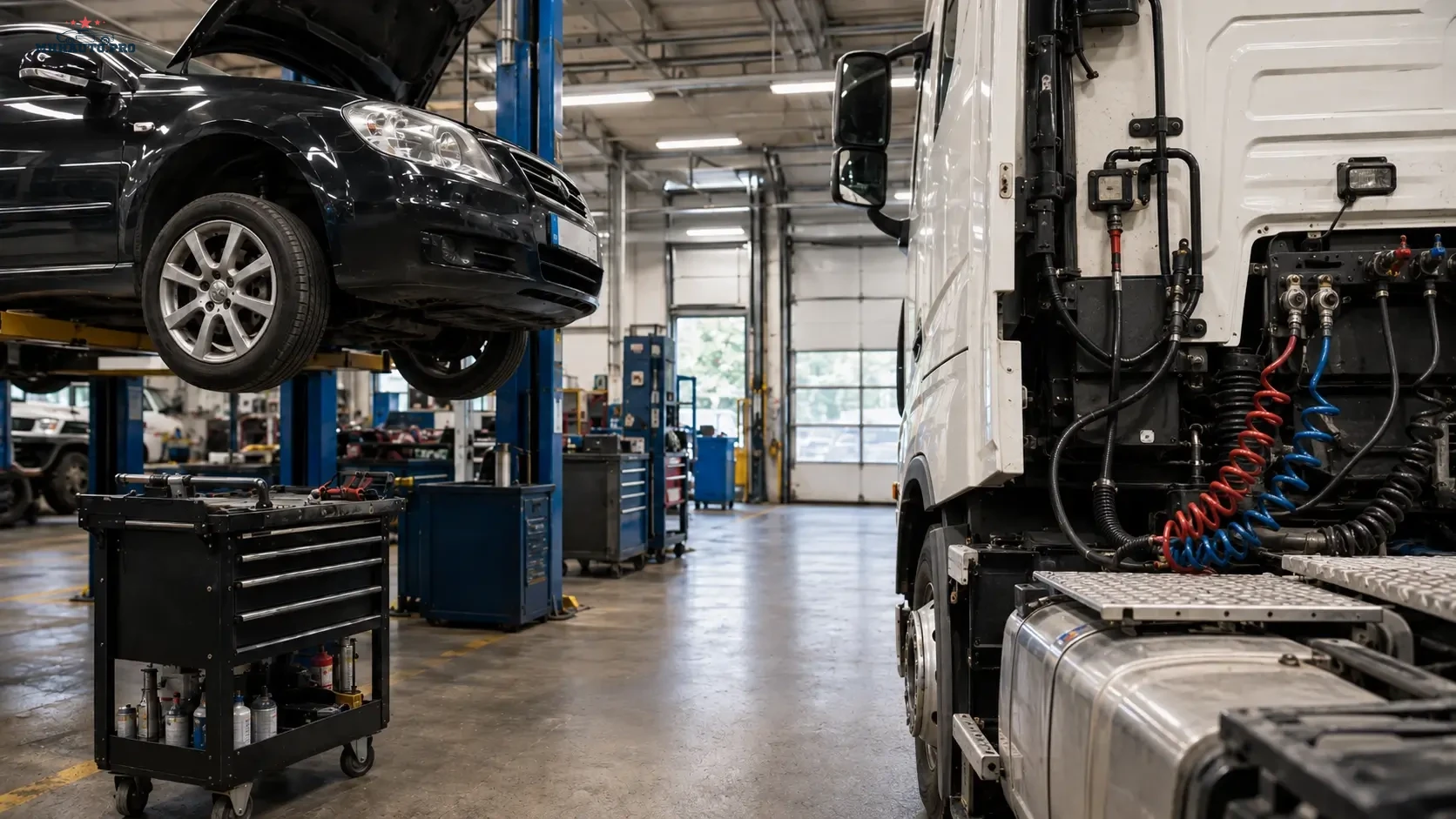
Choosing repair data by real workshop workload
The best repair data subscription is not always the largest package. The best option is the one that matches the vehicles your workshop repairs every week. A garage focused on passenger cars has different needs from a workshop that also accepts commercial vehicles, vans, trucks, trailers and fleet maintenance jobs.
This comparison explains how to choose between WorkShopData Cars and WorkShopData Cars and Truck based on real workflow, job type, technician needs and commercial value.
The goal is not to buy more data than necessary. The goal is to avoid losing time when the correct procedure, wiring diagram, component location or technical information is needed during a paid repair.
Start with the vehicles that actually enter your workshop
Before choosing a subscription, review your last two or three months of work. Look at completed invoices, not guesses. Count how many jobs involved passenger cars, vans, light commercial vehicles, trucks, trailers or mixed fleet vehicles.
Separate the jobs into categories:
- routine service;
- mechanical repair;
- electrical diagnostics;
- wiring diagram lookup;
- component location search;
- technical data check;
- fleet maintenance;
- commercial vehicle repair;
- repeat diagnostic work.
This review shows whether car-only coverage is enough or whether truck and commercial vehicle coverage is needed to protect workshop time.
When WorkShopData Cars is the right choice
WorkShopData Cars is best suited for workshops that mainly repair passenger vehicles. This can include independent garages, mobile diagnosticians, service centers, auto electricians and small workshops that need reliable technical information for car repair and diagnostics.
This type of access is useful for:
- passenger car technical data;
- service procedures;
- repair instructions;
- wiring diagrams;
- component locations;
- diagnostic workflow support;
- repair time planning;
- maintenance information.
If most of your paid work comes from passenger cars, car-focused repair data keeps the process simple. The technician can find the needed information without navigating vehicle types that are not part of the daily workflow.
Typical users for WorkShopData Cars
- Independent garages focused on cars.
- Mobile diagnostic technicians working with passenger vehicles.
- Auto electricians handling car wiring faults.
- Small workshops that need fast repair information.
- Service businesses that do not normally work on trucks.
For these users, the key value is speed: quickly finding diagrams, service data and repair procedures for common passenger vehicle jobs.
When WorkShopData Cars and Truck is the better option
WorkShopData Cars and Truck becomes more relevant when commercial vehicles are part of normal business. Commercial vehicle jobs can block a bay for longer when correct data is missing. A truck, van or trailer repair may also affect a customer’s business operation, which makes turnaround time more important.
Wider coverage can be useful for workshops that handle:
- cars and vans;
- light commercial vehicles;
- trucks;
- semi-trailers;
- mixed fleet customers;
- commercial vehicle diagnostics;
- transport company maintenance;
- fleet service contracts.
If commercial vehicles arrive every week, wider access may prevent delays in quoting, diagnostics, parts ordering and repair planning.
Typical users for Cars and Truck coverage
- Mixed workshops repairing both cars and commercial vehicles.
- Fleet maintenance providers.
- Truck repair workshops that also handle passenger cars.
- Commercial vehicle electricians.
- Workshops supporting transport companies.
- Service businesses that need wider vehicle coverage.
The main value is not only more vehicle coverage. The value is reducing downtime when a commercial vehicle needs correct repair information quickly.
Comparison table
| Decision point | WorkShopData Cars | WorkShopData Cars and Truck |
|---|---|---|
| Main vehicle type | Passenger cars | Cars, trucks and commercial vehicles |
| Best for | Car-focused garages and mobile diagnostics | Mixed workshops and fleet support |
| Workflow | Car service, repair and diagnostics | Car and commercial vehicle repair planning |
| Commercial value | Fast car repair data access | Reduced delay on higher-impact commercial jobs |
| Choose when | Trucks are rare in your workshop | Commercial vehicles are regular paid work |
The hidden cost of choosing too narrow
A narrow subscription can look cheaper at first. The hidden cost appears when a vehicle arrives and the workshop cannot access the needed data. This cost is usually not shown on an invoice. It appears as unpaid diagnostic time, delayed repair, wrong part selection or a vehicle occupying a bay longer than planned.
Examples of hidden cost include:
- technician searching multiple sources for one diagram;
- vehicle waiting while the workshop confirms a procedure;
- wrong fuse or relay location checked because of incorrect data;
- commercial customer losing vehicle availability;
- repeat visit because the original fault was not fully tested.
This does not mean every workshop needs the wider package. It means the subscription should match the real cost of delay in your business.
The hidden cost of choosing too wide
The opposite mistake is also possible. A small car-only workshop may buy wider coverage but never use the truck data. In that case, the extra access does not create value.
Before choosing wider coverage, ask:
- How many commercial vehicle jobs did we complete last month?
- How many of those jobs needed technical data?
- Did we lose time because commercial vehicle data was missing?
- Are we actively trying to attract fleet customers?
- Do our technicians have the tools and experience for truck work?
If the answer is no, car-focused access may be the better starting point.
Decision rule for small workshops
Use this practical rule:
- Choose WorkShopData Cars if more than 90 percent of your work is passenger cars.
- Consider Cars and Truck if commercial vehicles arrive weekly.
- Choose wider coverage if one missed truck diagram can delay a high-value job.
- Stay with car coverage if truck work is rare and not part of your business plan.
The decision should be based on job frequency and job value, not only vehicle count.
How repair data improves workshop workflow
Correct repair data helps the workshop in several stages of the job:
- Quoting: better estimate of labor and parts before work starts.
- Diagnosis: access to wiring diagrams, technical information and component locations.
- Repair: fewer delays during disassembly or reassembly.
- Quality control: better post-repair checks.
- Customer communication: clearer explanation of what was tested and repaired.
When technicians can find the correct information quickly, the workshop becomes more consistent and less dependent on memory or guesswork.
Questions before buying
- Which vehicle types generate the most revenue?
- Which jobs create the most diagnostic delay?
- Do we need wiring diagrams every week?
- Do we support commercial customers?
- Are fleet customers part of our growth plan?
- Do we need only car repair data or wider vehicle coverage?
Answering these questions gives a better result than choosing only by package size.
Related access
For passenger car technical data, service information and wiring diagram workflow, check WorkShopData Cars.
For mixed workshops, commercial vehicle jobs, trucks and semi-trailer support, check WorkShopData Cars and Truck.
FAQ
Is WorkShopData Cars enough for a small garage?
Yes, if the garage mainly works on passenger cars and rarely accepts commercial vehicle jobs. It is usually the cleaner option for car-focused daily workflow.
When should a workshop choose Cars and Truck?
Choose wider coverage when commercial vehicles, trucks, trailers or mixed fleets are regular paid work and missing data would delay repair or diagnostics.
Should I buy wider coverage for one rare truck job?
Not always. If the job is rare and not part of your normal business, car-focused access may still be better. If rare truck jobs are high value and cause long delays, wider coverage may be justified.
Does repair data replace diagnostic skill?
No. Repair data supports the technician with diagrams, procedures and technical information. The final repair decision still requires testing, measurement and professional judgment.
The right subscription is the one that fits the vehicles you repair, the time you lose without correct data and the customers you want to serve. For car-focused workshops, start with WorkShopData Cars. For mixed and commercial workflows, Cars and Truck coverage is usually the stronger choice.