
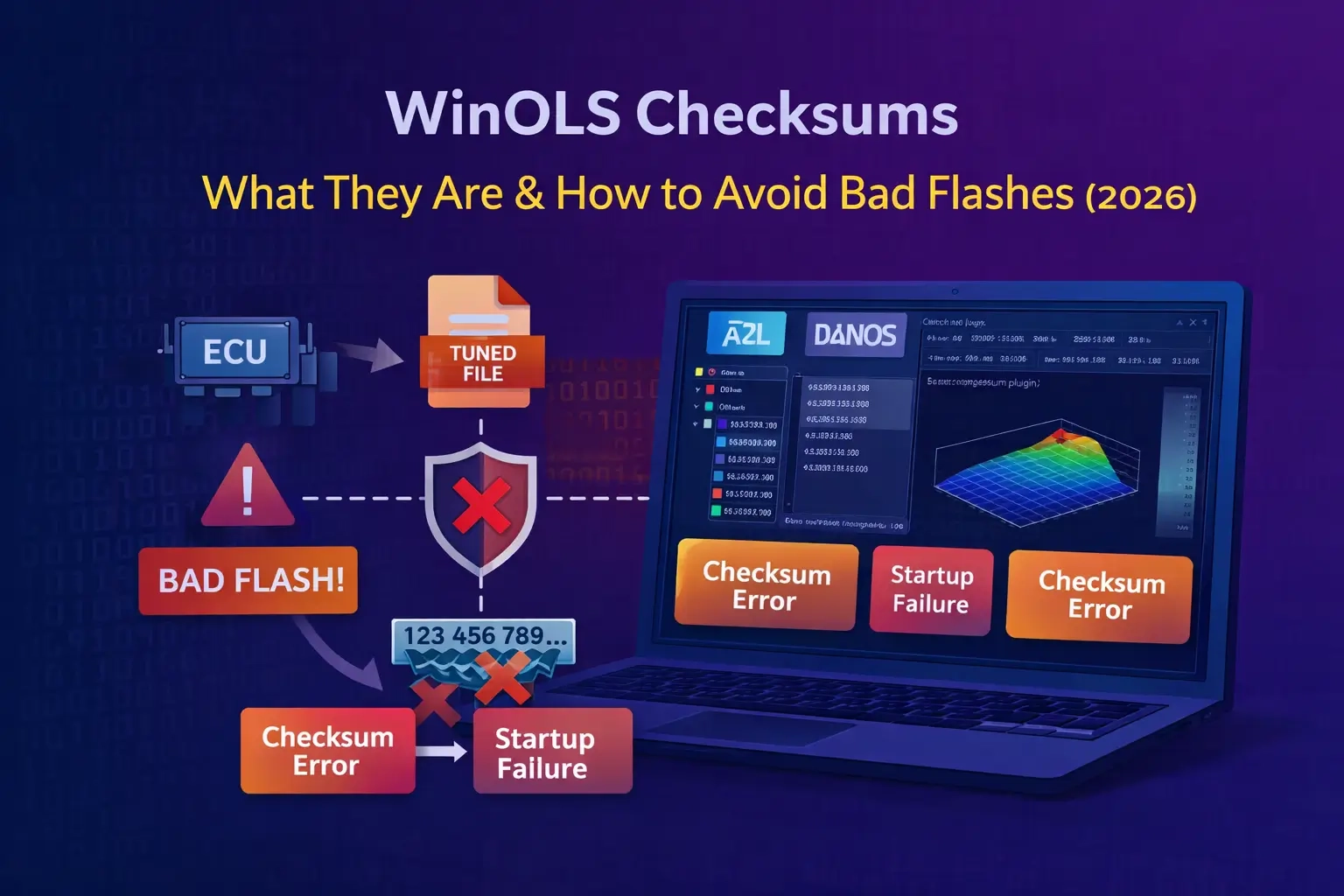
Why a “Good-Looking” File Can Still Kill a Flash
People often say “just fix checksum” like it’s a single button that always works. In reality, checksum handling depends on ECU family, file layout, and how the calibration area is protected. If you don’t respect that, you can end up with a file that looks fine in WinOLS but fails to start, throws crazy DTCs, or won’t flash cleanly.
This article is a practical overview: what checksums actually protect, why they break after edits, and what you can do to reduce risk before you write anything back to the car.
1) What a checksum really is (in normal words)
A checksum is a verification value stored in the ECU data. The ECU (or flashing tools) use it to confirm that a data block hasn’t been altered or corrupted. If the ECU expects the checksum to match and it doesn’t, you can get anything from a warning to a non-start situation, depending on the platform.
Think of it like a “tamper / integrity seal” for specific parts of the file, especially calibration areas.
2) Why your edits break checksums
Many maps are inside protected data blocks. The moment you change one byte inside that block, the original checksum no longer matches. That’s normal. The problem appears when you flash a file that still contains the old checksum value (or a wrong one).
- You edited a map but didn’t recalculate the checksum.
- The checksum method is different for that ECU/software version.
- The tool corrected one region but missed another protected block.
- You’re mixing ORI/MOD from different versions or partial reads.
3) “WinOLS checksum” vs “tool checksum” vs “ECU checksum”
There are three common realities in the workshop world:
- WinOLS-assisted checksum: works only when you have the correct plugins/definitions for that family and the project is handled correctly.
- Flashing-tool checksum correction: some tools calculate/patch during write (depends on protocol and ECU).
- ECU internal verification: some ECUs verify on boot or at runtime; others rely more on flashing procedure.
The safest assumption is: you must know which one you rely on. If you don’t, treat the job as higher risk.
4) The quick “file sanity” checklist before flashing
Before you write anything, run through this fast checklist:
- Confirm file origin: full read vs partial read, correct ECU/TCU, correct SW version.
- Compare size and structure: your MOD should match ORI size (unless your method expects otherwise).
- Limit changes to calibration areas: avoid touching unknown regions “just because it looks similar.”
- Use small iterations: don’t do 20 map edits and flash a “big bang” file.
- Keep recovery options ready: stable power supply, correct interface, and a known-good stock file.
5) Common symptoms of checksum/integrity problems
- Flash fails near the end or tool reports verification errors.
- Car cranks but won’t start after a “successful” write.
- Unexpected limp mode/DTCs immediately after flashing.
- Values behave wildly compared to the change you made.
These symptoms can have other causes too (wrong file, wrong method, wrong sector, protection issues), but checksum/integrity is always one of the first things to suspect.
6) Safer habits that prevent expensive mistakes
- Keep a clean STOCK project and never overwrite it.
- Document changes (what map, what range, why).
- Validate definitions (A2L/DAMOS/map packs) before trusting labels/scaling.
- Do one meaningful change per test when you’re unsure of the platform.
- Respect platform differences: MED17/EDC17/MG1/MD1 don’t behave the same.
Conclusion
Checksums aren’t “just a checkbox.” They’re part of ECU file integrity, and mistakes here are one of the fastest ways to turn a normal tuning/repair job into recovery work. Treat checksum handling as a workflow step: verify the file, keep changes clean, and always be prepared to revert to stock if something looks off.