
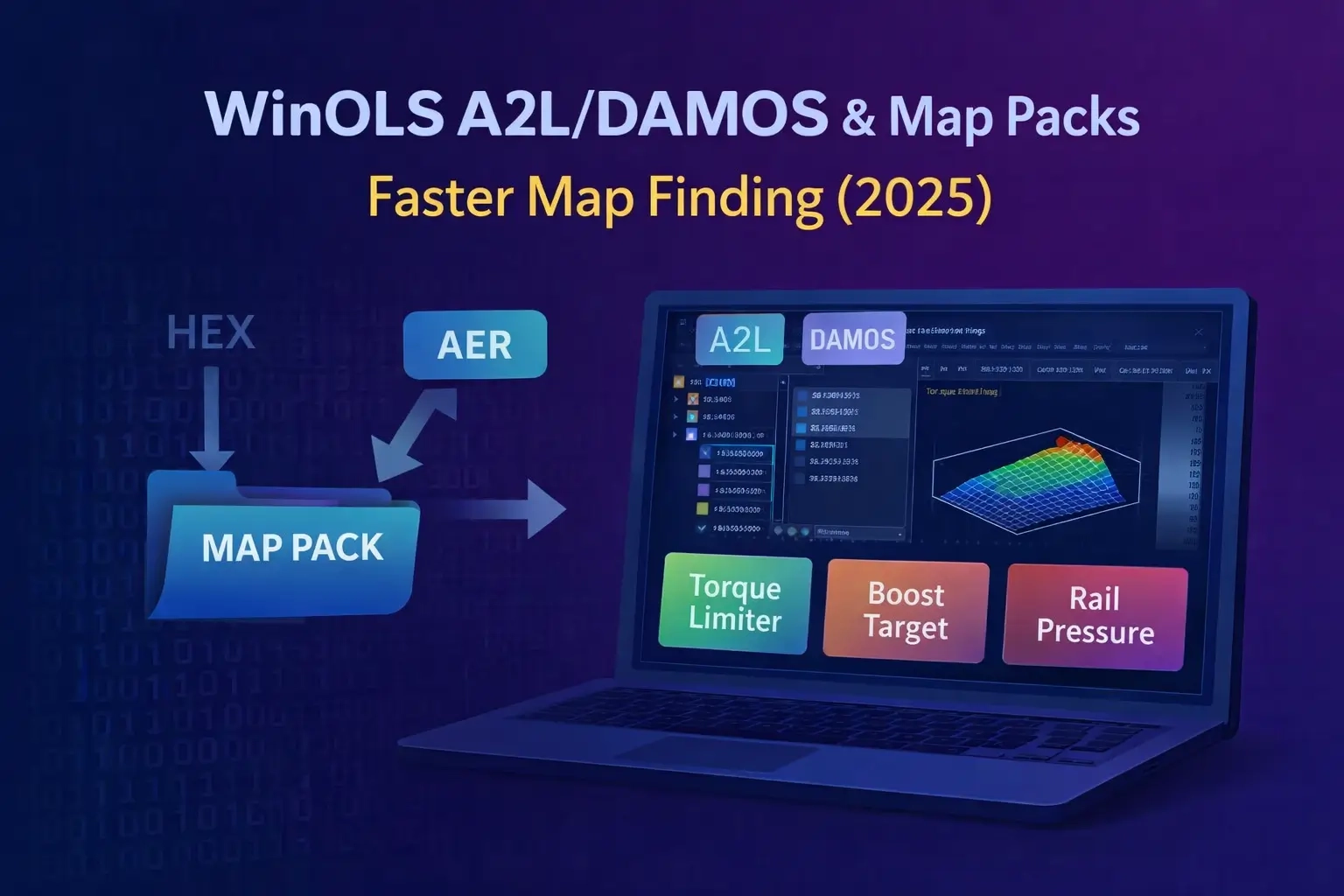
A2L/DAMOS Definitions and Map Packs: A Practical WinOLS Workflow
If you already use WinOLS and the basics are familiar (opening a file, reading 2D/3D, understanding axes and map shapes), the next real time-saver is definitions: A2L/DAMOS and different kinds of map packs. On paper it sounds magical: “load a pack and everything is named.” In real life it can be a huge boost — but only if you understand what you loaded and how to quickly verify it matches your exact software version.
This post keeps it practical: what these files are, where they actually help, the mistakes that burn people most often, and a quick way to decide in minutes whether a pack is reliable or risky.
1) What A2L, DAMOS, and “Map Packs” Really Are
A2L (ASAP2) is a description file used in calibration environments. Think of it as a “legend” for what lives inside the ECU: names of maps and parameters, memory addresses, axes definitions, units, conversion formulas, limits, and more.
DAMOS is an older industry term that often means a similar thing: a dataset describing calibration objects, addresses, and scaling. In the tuning world, people sometimes use “DAMOS” as a general label for any definition-style data.
A map pack (in many tuning communities) usually means a simplified set of definitions built specifically for WinOLS: named maps, axis presets, scaling hints, and sometimes notes that help you navigate faster.
Key point: a map pack is a speed tool, not a guarantee. Labels are helpful, but validation is still your job.
2) Where Definitions Give the Biggest Benefit
- Complex ECU families (MED17 / EDC17 / MG1 / MD1, etc.) with many similar-looking tables.
- Projects where it’s easy to confuse maps that share size and shape (limiters vs targets, multiple near-identical tables).
- Cases where units and scaling matter a lot (mbar vs hPa, absolute vs relative boost, mg/str vs mm³).
- Shops doing repeated work who want a consistent workflow instead of “hunt and guess” every time.
3) A Safe, Fast Workflow (How Pros Avoid Mess)
The simple rule is: clean project → definitions → validation.
- Create a clean WinOLS project and import the original file (ORI).
- Save a stock baseline (keep a “STOCK” project version forever).
- Load definitions (A2L/DAMOS or a map pack, depending on your setup).
- Validate 3–5 obvious maps before trusting the rest.
Why “obvious maps”? Because if a known torque limiter suddenly shows nonsense ranges, your definitions likely do not match the file — and building changes on top of that is how mistakes happen.
4) Quick Validation Checklist (3–5 Minutes)
Before you rely on any labels, do these quick checks:
- Version match: ECU hardware/software version should match what the pack was built for (as close as possible).
- Axis sanity: RPM axis looks like RPM, load looks like load, pressure looks like pressure — not random jumps.
- Value realism: numbers make sense (no constant 65535 “trash,” no extreme values unless you know why).
- Units make sense: boost, rail pressure, torque, lambda — confirm the unit and whether it’s absolute/relative.
- Cross-check: compare with stock behavior/logs if you have them (even one quick comparison helps).
If any of these fail, treat the pack as “untrusted” until proven otherwise.
5) The 6 Most Common Mistakes (And How to Avoid Them)
1) Using a pack from the wrong software version
Same ECU family does not mean same memory layout. A “close” pack can still be wrong.
Fix: use packs built for the same SW version, or validate hard before touching anything.
2) Scaling errors
One of the fastest ways to ruin a project is reading the right map with the wrong scaling.
Fix: verify units/conversions on key maps (boost, rail pressure, torque, lambda) before editing.
3) Axis swapped or inverted
A map can “look right” but the axes can be reversed or interpreted incorrectly.
Fix: sanity-check axis ranges and how the ECU uses them (RPM vs load, for example).
4) Signed vs unsigned confusion
Some values are signed; reading them unsigned produces crazy numbers.
Fix: if values look wildly off, verify data type assumptions and the pack’s interpretation.
5) Checksum assumptions
People assume WinOLS alone will make everything checksum-correct. That depends on ECU and workflow.
Fix: use proper checksum handling appropriate for the ECU family and your flashing method.
6) Trusting labels blindly
A named map is not automatically the correct one. Packs can be incomplete or sloppy.
Fix: confirm with map patterns, neighboring structures, and real-world behavior/logs.
6) Clean Project Habits That Save You Later
- Keep a stock project version untouched.
- Make changes in small iterations (v1, v2, v3) and document what changed.
- Use consistent naming inside the project (especially if multiple people work on it).
- Don’t mix “testing edits” with “final edits” in one messy version.
- Always keep a recovery plan: stable power, correct interface, backups.
Conclusion
A2L/DAMOS and map packs can turn WinOLS from “manual map hunting” into a structured, repeatable workflow — and save a lot of time. The trick is simple: treat definitions as a productivity tool, not as truth. Validate first, then work clean, and you’ll move faster with fewer surprises.